Keep social. Skip the feeds.
Chrome & Safari extensions
Hide feeds, Shorts, and recommendations on supported sites. Keep messages, posting, profiles, and search.
Unscroller removes endless feeds while keeping the useful parts of social media—messages, posting, search, notifications, and intentional connection.
Hide the feeds that pull you in, then use planning, focus, and reset tools to turn recovered attention into progress on the work, habits, and goals you keep putting off.
Keep the useful parts of social. Cut the loops that steal your day.
Available on your devices
Get the app on iPhone and Android, add desktop blocking on Mac and Windows, and block feeds in Safari and Chrome.
See desktop tools and demoThe workout, project, class, conversation, or quiet night does not disappear all at once. It gets traded away one “last” post at a time.
Feeds keep showing more posts, with no clear place to stop. They can pull you in when you feel bored or stressed.
The important thing gets postponed again while the feed receives your best attention today.
Unscroller lets social media remain a tool instead of becoming the place your attention goes to disappear.
Could not play this demo. Open video
Open a message, publish an update, find an account, watch the video someone sent, or check a notification without being handed an endless next thing.
Less scrolling gives you time back. Choose what you want to do with it.
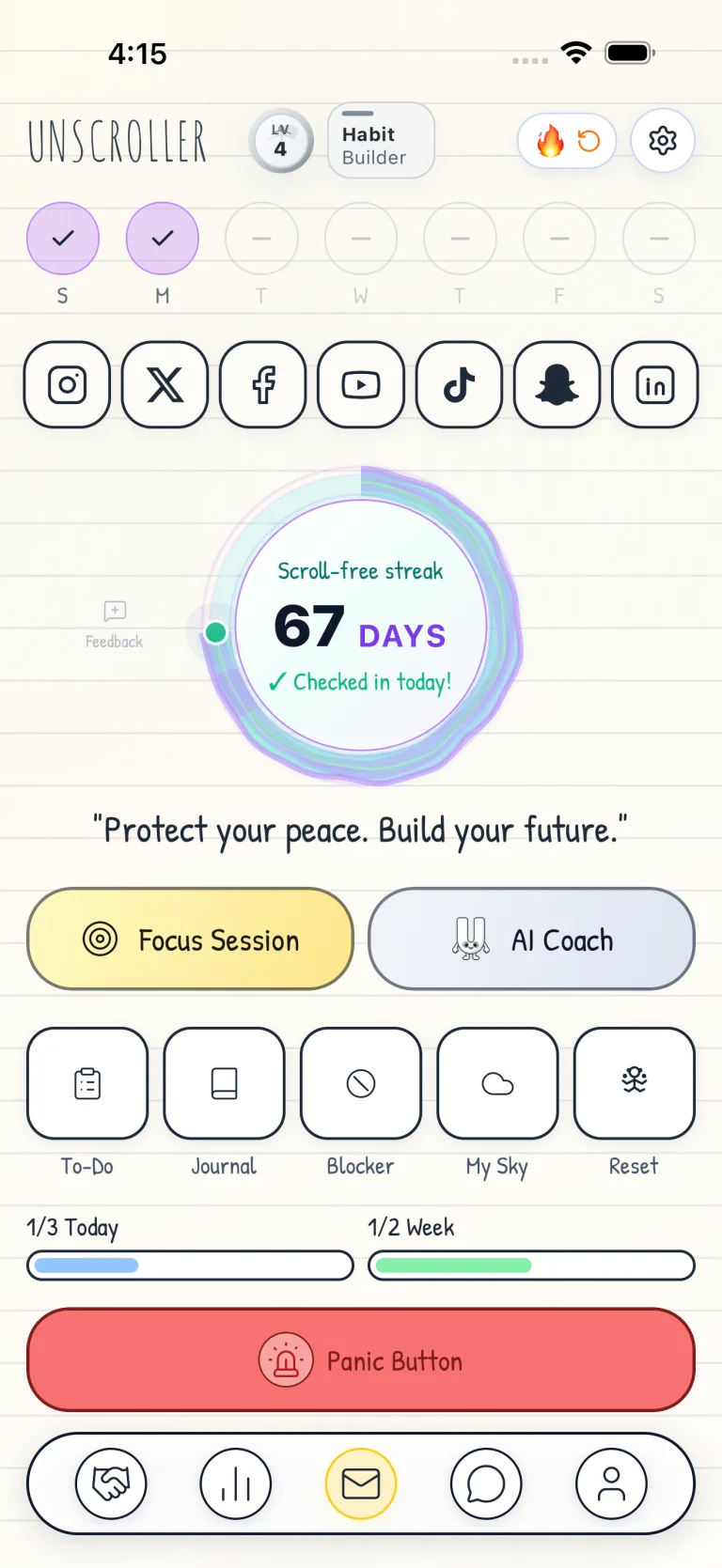
Could not play this demo. Open video
Use only what helps now. The rest stays out of the way until you need it.
Sessions, schedules, and location-based boundaries.
Daily priorities, habits, progress, and time awareness.
AI Coach, journaling, breathing, and calmer next steps.
Build updates, collaboration, challenges, and accountability.
Could not play this demo. Open video
“Being able to message and post without getting sucked into the feeds is the fix I needed.”★★★★★ App Store review
Social media is built to turn a quick check into one more post, one more video, and one more alert. By the time you look up, the task, workout, class reading, side project, or quiet night you wanted has slipped again.
You are not lazy. The apps are made to pull you back when you feel bored, stressed, or unsure where to start. Unscroller adds a pause so you can choose what you came to do before the feed chooses for you.
Unscroller helps you use social apps for what you came to do, then get back to the project, habit, or dream that needs your attention.
The scroll often wins in the gaps: when you are bored, tired, stressed, walking into class, sitting down to work, or avoiding a hard next step. Unscroller helps you set focus time, share it with a group, and block distracting apps in the places where your attention matters most.
Start a Focus Session for you, or send one to a meeting, class, study group, or dinner. Pick what to limit, set the timer, and each person joins on their own phone. The room can stay present together.
Set quiet times on repeat. Limit social apps at night, during class, or on work mornings. Your phone learns there is a time to browse and a time to focus.
Create blocker rules for places where your time matters: work, school, the gym, the library, or your bedroom. When you are there, distracting apps have guardrails before the scroll starts.
Blocking the feed is only step one. Unscroller helps you plan the day, track simple habits, and replace lost scroll time with actions that move your life forward.
Write today's top tasks and weekly goals in one clean place. Give the important thing a visible home before your phone offers another distraction.
Track habits like study, code, reading, workouts, or building your project. See your chain grow and keep it going.
See where your time goes. Watch wasted hours go down and focused hours, completed tasks, and real progress go up.
Could not play this demo. Open video
When the urge to scroll hits, Unscroller gives you someone to talk to before the feed gets the first word. Type or speak to the AI Coach, work through what is blocking you, then let the AI Agent draft practical next actions you can add to your plan.
Talk through urges, goals, procrastination, and the next move when your brain wants an escape route.
Rank what matters, choose the highest-leverage step, and turn messy thoughts into clean action.
Draft todos, weekly targets, habits, and focus sessions that can be applied to your planner.
Say what is on your mind when typing feels like one more task, then hear the coach guide you back.

Goals, urges, focus, journaling, and your next step.
Ranks what matters, chooses the next step, and drafts actions.
Makes todos, weekly goals, habits, and focus time.
Orders tomorrow around your energy, priorities, and interruptions.
Finds the task you are avoiding and a small way to start.
Compares who you want to become with what you do each day.
Adds new habits onto routines you already do.
Shrinks habits until the first step is easy enough to do today.
Shows how small habit changes grow over time.
Redesigns your space, apps, and cues so better choices are easier.
Use the mode that fits the moment, then turn the advice into action.
Sometimes you scroll because the next step feels hard, unclear, or emotionally heavy. Unscroller gives you reset tools so you can calm down and choose your next move.
Slow your breath and clear your head in a few minutes.
Describe the life you want. Unscroller makes a guided session to help you picture it, then return to the next action.
Write what is on your mind. Clear space in your head instead of taking in more posts.
A 7-day workout plan made for your goals.
Guided breathing to calm your body and mind.
Picture your best day, then choose the next step that makes it real.
Personal 15-minute sessions to help your mind aim at your goals.
Daily affirmations with simple reminders.
Guided meditation for calm and focus.
Could not play this demo. Open video
It is easier to change when people are with you. Join creators and learners who want less scrolling, more progress, and accountability for the dreams they talk about.
Find a partner or get feedback on your project. Build with someone who wants the same kind of focus.
Share what you are building, get support, and turn attention into updates and output without another entertainment feed.
Join 30-Day Deep Focus Sprints. Track your streak and celebrate wins with others.
Message peers to trade ideas or get help on hard days. Stay on track together.
Your progress should be easier to see than your screen time. Unscroller gives rewards and a clear view of what you have done.
Earn XP for focus sessions and daily goals. Each level shows time you gave back to yourself.
Your sky gets a star for each win. Look back at proud moments and see your progress grow.
Social media has taken enough of your day. Unscroller helps you protect deep work, class, meals, people, and the goals that keep getting postponed. Start a focus session for yourself or share one with the room.
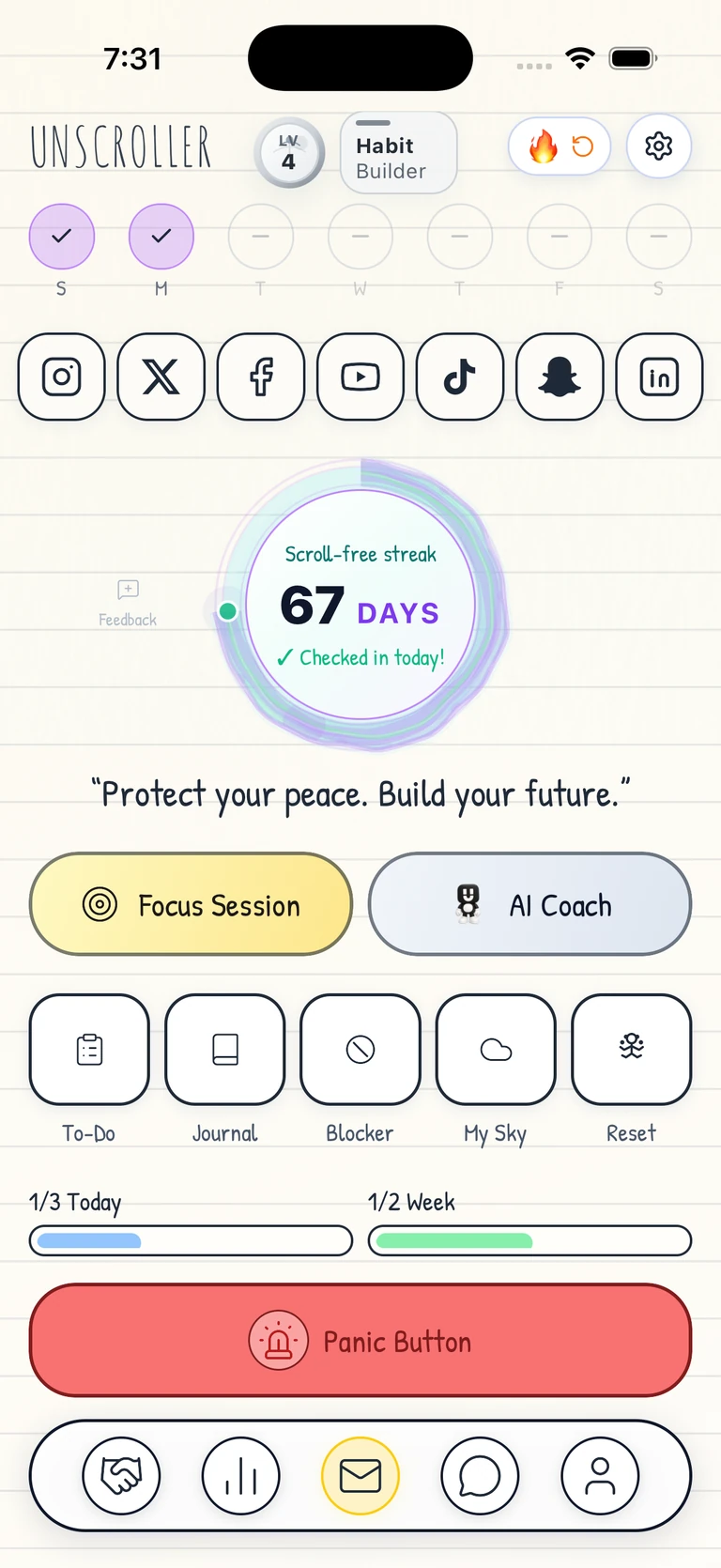
Close the feed. Put the game on hold. Make room for what you want to do.
Could not play this demo. Open video
Available for Chrome and Safari
Could not play this demo. Open video
Available on Windows and Mac
Chrome & Safari extensions
Hide feeds, Shorts, and recommendations on supported sites. Keep messages, posting, profiles, and search.
Mac & Windows desktop app
Choose the apps and video games that pull you away. Block them during focus time, set a schedule, or give yourself a daily limit.
Set up your blocks in the web app. Keep the desktop app running while you focus.
Plan your day, track habits, and write in your journal from the web app. Use the same Unscroller account on your phone and computer.
An active Unscroller subscription or trial is required for blocking.
One more video can turn into a late bedtime, unfinished homework, and less time together. Heavy social media use can interfere with sleep and attention, while constant comparison can leave teens feeling worse about themselves.
As a parent, you’re left reminding, checking, and negotiating over a phone on top of everything else. Building healthier screen habits should feel like something you do together.
Give your child tools to block distractions, focus on homework, build routines, and make room for life beyond the screen.
Read the research on teens and social mediaCould not play this demo. Open video
Keep your own account and invite family members, with restricted Child Mode for ages 13–15. Manage family invitations in your settings.
Child Mode requires a parent or guardian’s invitation. Unscroller is unavailable for children under 13.
The essentials are above. Open only the details that matter to you.
Open supported Facebook, Instagram, LinkedIn, TikTok, Snapchat, X, and YouTube surfaces with less noise. Messages, posting, profiles, alerts, search, and chosen content remain available where supported.
On the Instagram website you open through Unscroller, you can watch a Reel a friend sends. We hide the Reels that would play next where this feature works. Results can vary by site, account, device, permissions, and changes to the site.
Start a focus session when you need a clean block of time. Add scheduled windows around work, class, meals, or sleep, and create location-based rules for places where distraction usually takes over.
Choose daily priorities, break goals into next actions, track habits, and see focused time and completed work add up. The point is not a prettier dashboard; it is making the life behind the dashboard easier to build.
Talk or type through the moment you want to escape into a feed. Use the AI Coach to find a practical next move, or choose journaling, breathing, meditation, affirmations, and other reset tools when calm matters more than productivity.
Unscroller is a productivity and digital-wellness app, not medical treatment or emergency support.
Share what you are building in the Progress Hub, find collaborators, join challenges, and message accountability partners. The community is designed around updates and outcomes—not another unrestricted entertainment feed.
Unscroller is independent and is not made by or endorsed by Facebook, Instagram, YouTube, TikTok, Snapchat, X, LinkedIn, or other third-party services. On Apple devices, supported focused-browsing features work through Safari in each person’s own session.
Doomscrolling is continuing through stressful, upsetting, or simply endless content after it has stopped helping. A feed with no natural endpoint makes leaving feel harder than starting.
It reduces the feed surfaces that pull you into automatic scrolling, keeps useful social actions available, and gives the recovered moment somewhere concrete to go through focus, planning, habit, and reset tools.
On the Instagram website you open through Unscroller, you can still send messages and open a Reel from a friend or profile. You can watch that Reel while the next ones are hidden. What works can change when Instagram changes its site.
No. What we can block depends on the site, your device, your account, and the permissions you give. The app shows what works and how to set it up.
No. Unscroller is a productivity and digital-wellness app. If scrolling is seriously affecting sleep, work, school, mood, or relationships, consider support from a qualified professional.
If doomscrolling or social media is taking time from what matters, start here.
Doomscrolling is when you keep scrolling through bad or stressful posts even after it stops helping. It can feel automatic because the feed always has one more thing.
Remove the feeds that pull you in. Choose what you opened your phone to do. Use a timer so checking has an end. Then move the saved time into one important task. For simple steps, start with our doomscrolling guide.
Signs can include checking with no reason, losing track of time, feeling worse after scrolling, or watching important work, sleep, relationships, and personal goals get pushed aside.
Yes. Unscroller helps you use social media on purpose. It lowers feed traps, supports focus sessions, and helps you turn saved time into better habits and real progress.
Yes. Open Instagram through Unscroller to watch a Reel from a friend or profile. On the parts of the website we support, that Reel stays visible and the next ones are hidden. This does not change the Instagram app. What works may change when Instagram changes its site.
Yes. Unscroller helps reduce screen time that comes from doomscrolling, endless feeds, and reflexive social media use. It keeps useful social actions available while adding focus sessions, schedules, and routines around the moments when phone use usually takes over.
Unscroller is built for people who keep getting pulled into endless scrolling. It helps reduce feed traps, keep useful social actions, and create focus sessions and routines so the important thing gets your attention first.
No. Unscroller is a productivity and digital wellness app, not a medical treatment. If scrolling is seriously affecting sleep, work, school, mood, or relationships, consider support from a qualified professional.
Stop letting quick checks spend the hours you need to build, study, rest, connect, and become who you said you would be.
Start here if the scroll is eating time you meant to spend on work, rest, people, or the future you keep promising yourself.
See exactly how Unscroller blocks feed loops while keeping messages, search, posting, and useful social actions available.
Explore the stop doomscrolling app No FeedsSee the supported social platforms and how Instagram keeps friend-shared Reels useful without opening another endless scroll.
Explore focused social browsing Start HereA practical page for the moment social media feels automatic and your important work keeps sliding.
Get a first plan GuideLearn what doomscrolling means, why it feels so sticky, and why bad news feeds are hard to leave.
Read the doomscrolling guide How-ToUse simple steps to stop doomscrolling before one check turns into the hour your goals needed.
See the practical steps Screen TimeCut the phone use that comes from social feeds without deleting every useful social action.
Read the screen time guide SignsSee the signs of compulsive social use and learn what to change before it costs more of your life.
Explore the signs and causes