Keep the action you came for
Go to a message, account, notification, post, specific video, or an individual Instagram Reel a friend sends instead of starting with a general feed.
Stop doomscrolling app for iPhone
Unscroller blocks the feed loops that turn a quick check into a lost hour while keeping useful actions like DMs, search, posting, notifications, and direct browsing available.
Free to download for iPhone and iPad. Optional premium features are offered through in-app purchases.
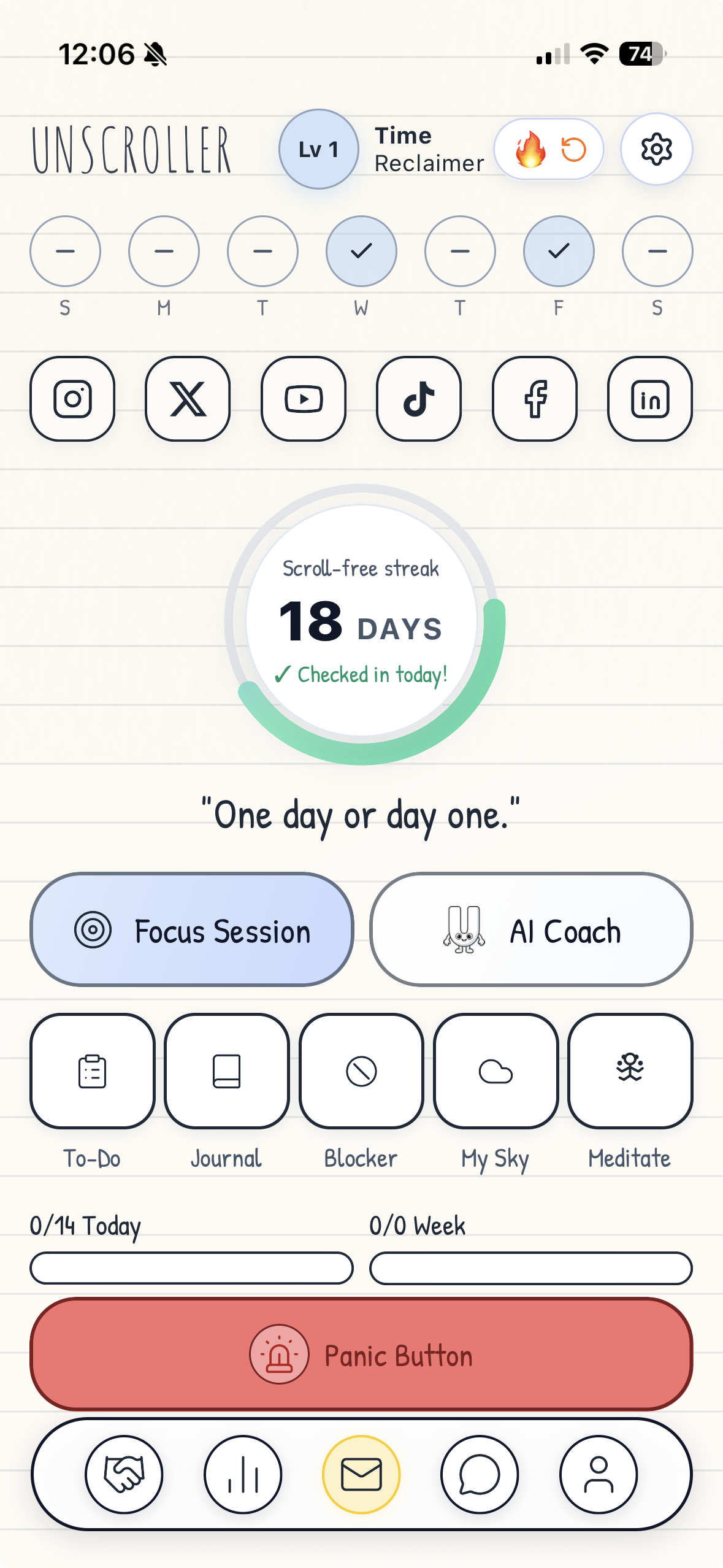
The difference
Deleting every app works for some people. Unscroller is for the people who still need to message, post, search, learn, or stay connected without handing the feed the rest of the hour.
Go to a message, account, notification, post, specific video, or an individual Instagram Reel a friend sends instead of starting with a general feed.
Lower exposure to supported home feeds, recommendations, Reels, Shorts, and other open-ended paths.
Use scheduled and location-based blockers for bedtime, class, work, the gym, the library, or any place where focus matters.
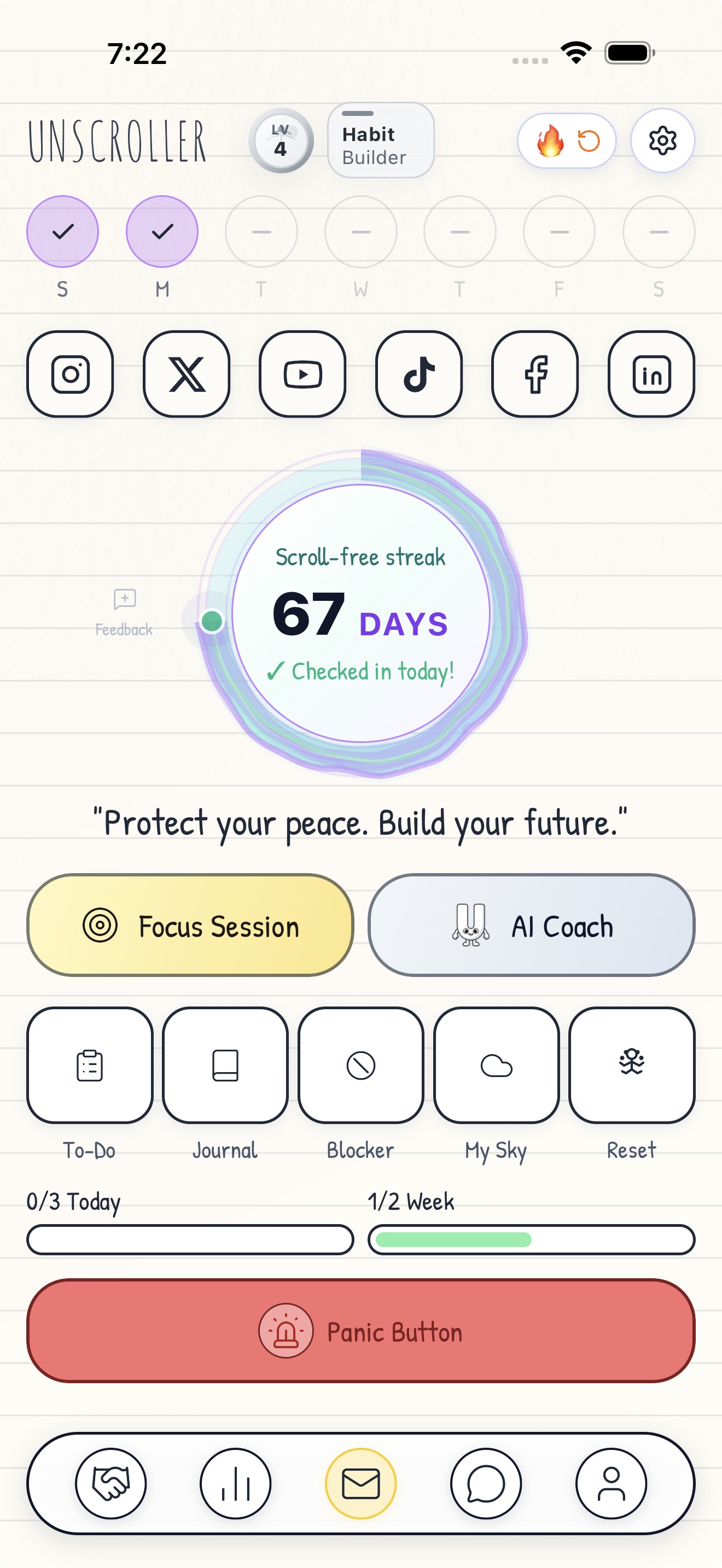
Move into a focus session, daily plan, habit, journal entry, breathing exercise, or the next task you keep postponing.
Talk or type through the urge, then let the AI Coach and Planner Agent turn the stuck moment into a practical next step.
Track scroll-free streaks, focus sessions, habits, and completed work so progress is easier to notice than another feed.
What happens on iPhone
Unscroller is transparent about the boundary between focused web browsing and native app blocking.
| Guardrail | What it does | What stays available |
|---|---|---|
| Focused social browsing | Reduces distracting feed surfaces on supported social websites inside your own Safari session. | Useful paths such as messages, posting, notifications, search, accounts, and direct visits where supported. |
| Scheduled and location blockers | Uses Apple-provided controls to add guardrails around selected distracting apps at chosen times or places. | The apps and essential tools you decide to leave available. |
Unscroller does not read your messages, monitor what you browse, or sell your personal data. Focused browsing changes only your own supported web session. See the full privacy policy.
Where it fits
Unscroller is a productivity and digital wellness tool, not a medical treatment. If social media use is seriously affecting sleep, work, school, mood, or relationships, consider support from a qualified professional.
Common questions
It reduces feed loops, Reels, Shorts, recommendations, and other distracting surfaces on supported social websites. It also provides scheduled and location-based blockers for selected native apps.
Yes. The focused-browsing approach is designed to keep useful actions available while reducing open-ended feeds.
Yes. Individual Reel links from friends, DMs, or profiles stay available in the supported Instagram web flow. Unscroller hides the queued Reels after the first one so the shared video has an endpoint.
Focused-browsing flows are available for Facebook, Instagram, LinkedIn, TikTok, Snapchat, X, and YouTube. Exact filtering varies by platform as third-party websites change.
The current App Store listing supports iPhone and iPad running iOS or iPadOS 16.0 or later. Check the App Store for the latest compatibility details.
Unscroller is free to download and offers optional premium subscriptions. The App Store shows current local prices and renewal terms before purchase.
No. Unscroller does not read messages, monitor browsing, or sell personal data.
No. Unscroller is a productivity and digital wellness app. It does not diagnose or treat a medical condition.