Home feed and Reels paths reduced.
Focused social browsing
Use social media without endless feeds
Keep the reason you opened the platform: DMs, search, posting, profiles, alerts, and specific links. Unscroller reduces supported feed loops so a quick check has a better chance of staying quick.
Available for iPhone and iPad. Focused browsing uses supported web flows; exact coverage varies by platform.
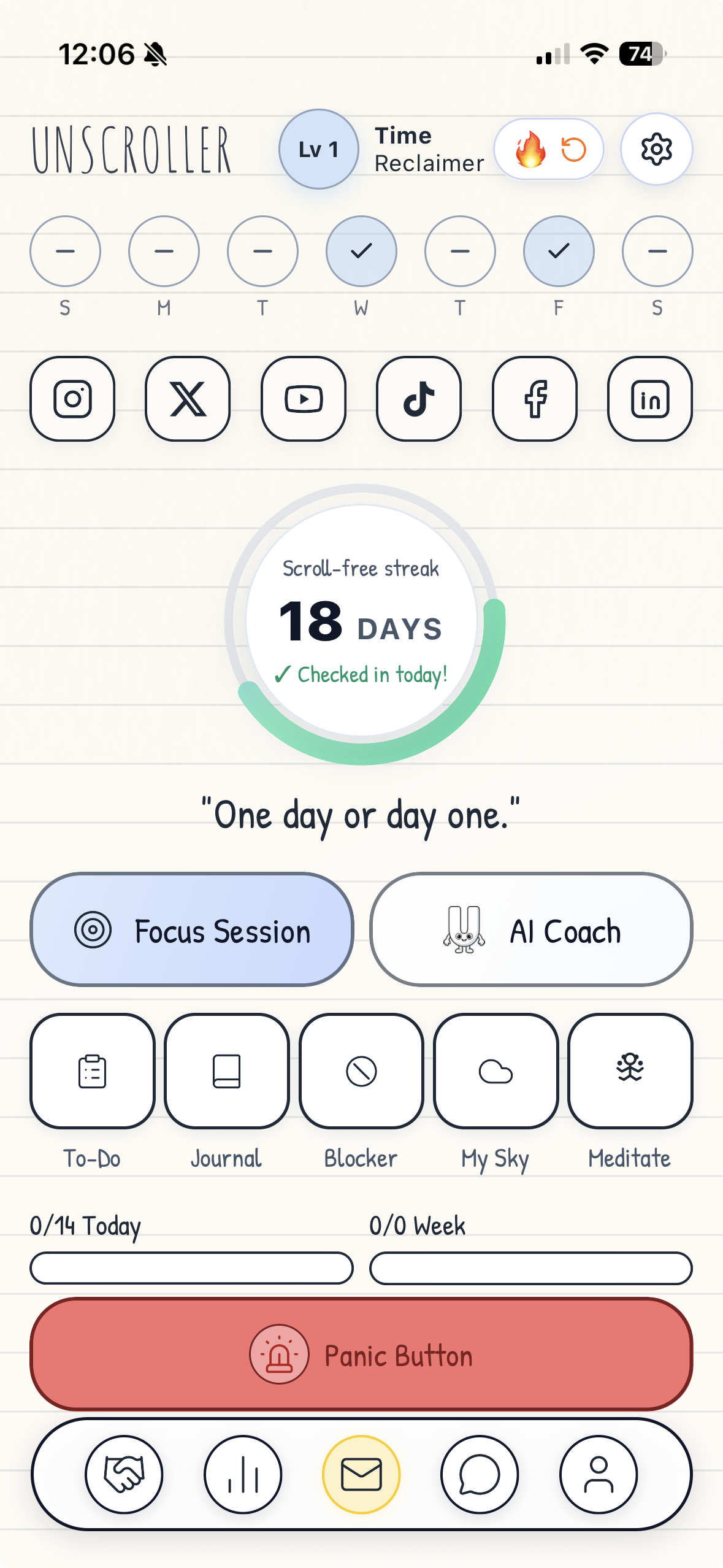
Supported platforms
The social sites you still need, in one focused path
Unscroller supports focused-browsing flows for seven social and video platforms.
Home feed and endless Reel queue reduced.
Feed routes reduced; work tools stay direct.
TikTok
For You and feed-video surfaces reduced.
Snapchat
Supported Snapchat Web shortcut and desktop-mode flow.
X
Home and Communities paths reduced.
YouTube
Home and Shorts paths reduced.
Third-party sites change often. Available entry points and filtering can vary by platform, device, permissions, and the current website layout.
Every supported provider
Focused social browsing, platform by platform
Each provider has a different useful core and a different feed trap. Unscroller targets those paths separately instead of making one broad promise for every website.
Facebook without the Home feed or Reels loop
Unscroller's supported Facebook web flow blocks Home, Feeds, Watch, Stories, Gaming, and Reels paths. Useful routes such as notifications, messages, pages, Marketplace, settings, and business tools remain available where supported.
TikTok without the For You feed
The supported TikTok web flow hides Home, For You, Following, Discover, Live, and feed-video surfaces. Inbox, messages, profiles, uploading, settings, and creator tools remain available where supported. TikTok uses Desktop Website mode on iPhone and iPad.
YouTube without Shorts and the home feed
Unscroller blocks the supported YouTube Home and Shorts paths and hides Shorts surfaces. Search, selected videos, channels, uploads, sign-in, and the Library remain available where supported, so you can watch the video you chose without starting from an endless recommendation surface.
X without the Home feed
The supported X web flow blocks Home and Communities while keeping messages, search and Explore, profiles, notifications, settings, and posting available where supported.
LinkedIn without the feed
Unscroller blocks LinkedIn feed-only routes and feed navigation while keeping messaging, notifications, profiles, company pages, jobs, learning, My Network, search, posting, and direct post links available where supported.
Focused Snapchat web access
Snapchat is included as a supported shortcut alongside the other social providers. On iPhone and iPad, Snapchat Web uses Desktop Website mode. Unscroller keeps that web path available and suppresses supported app-download prompts without claiming that every Snapchat surface is removed.
Instagram without the feed
See the Reel your friend sent. Stop before the next one.
Unscroller keeps individual Instagram Reel links useful without opening the door to an endless Reel session.
Open the shared Reel
Individual Reel links from friends, DMs, profiles, or direct visits remain available in the supported Instagram web flow.
Watch that one
The Reel you chose stays visible, so you can see what your friend actually wanted to share.
Lose the infinite queue
Queued Reel players after the first are hidden, removing the next-video path that turns one shared clip into a long scroll.
What else stays useful on Instagram?
Supported direct paths such as DMs, search, profiles, profile photo grids, posting, notifications, and specific links remain available while home-feed, Explore, and Reels-loop surfaces are reduced where supported.
The practical difference
No feed does not have to mean no social media
The goal is to remove the open-ended path, not the useful action you came to complete.
| Keep available where supported | Reduce where supported |
|---|---|
| Messages and direct conversations | Home feeds with no natural endpoint |
| Search, profiles, and direct visits | Explore and recommendation loops |
| Posting, alerts, and specific content | Autoplay, Shorts, and queued Reels |
| One Instagram Reel someone chose to share | The endless stack of Reels after it |
Want the convenience of an app without the default feed?
See how a browser-based setup can keep supported Home Screen web apps, website notifications, sign-in flows, and direct social tools while reducing open-ended surfaces.
Common questions
Social media without feeds, in plain language
What does social media without feeds mean?
It means using direct paths such as messages, search, posting, profiles, alerts, and specific links while reducing open-ended feeds, recommendations, autoplay, and short-video loops.
Can I watch a Reel a friend sends me?
Yes. In the supported Instagram web flow, the individual Reel remains available while queued Reels after it are hidden.
Can I use Facebook without the Home feed or Reels?
The supported Facebook web flow blocks Home, Feeds, Watch, Stories, Gaming, and Reels paths while keeping useful routes available where supported.
Can I use TikTok without the For You feed?
The supported TikTok web flow reduces For You and feed-video surfaces while keeping Inbox, messages, profiles, uploading, and creator tools available where supported.
Can I use YouTube without Shorts?
The supported YouTube web flow blocks Home and Shorts paths while keeping search, selected videos, channels, uploads, sign-in, and Library available where supported.
Can I use X without the Home feed?
The supported X web flow blocks Home and Communities while keeping messages, search and Explore, profiles, notifications, settings, and posting available where supported.
Can I use LinkedIn without the feed?
LinkedIn feed routes are reduced while messaging, notifications, profiles, jobs, learning, My Network, search, posting, and direct posts stay available where supported.
Does Unscroller support Snapchat?
Yes. Snapchat has a supported web shortcut and uses Desktop Website mode on iPhone and iPad. Exact filtering varies, so Unscroller does not claim every Snapchat surface is removed.
Which platforms are supported?
Facebook, Instagram, LinkedIn, TikTok, Snapchat, X, and YouTube have supported focused-browsing flows.
Does it remove every feed everywhere?
No. Coverage varies by platform, device, permissions, and third-party website changes. Unscroller reduces the supported surfaces it can reliably target.
Independent service notice
Unscroller is an independent app and is not made by or endorsed by Facebook, Instagram, LinkedIn, TikTok, Snapchat, X, YouTube, or their owners. On Apple devices, focused browsing changes only the user's own supported web session.